11th april | new scripts available - 1580+ scripts now available
UNLOCK THE FULL ZEN SCRIPT LIBRARY
Access 1,500+ Scripts Today!
NBA 2k26
2K Plus
ultimate


2K Plus
Yew
NBA 2K24
2k24 Auto Green v1.4
ultimate


2k24 Auto Green v1.4
Script City
NBA 2k26
2k26 AI
ultimate

2k26 AI
Avenged
NBA 2k26
2k26 Auto Green V2
ultimate

2k26 Auto Green V2
BoostSquad
MLB The Show 26
MLB The Show 26 V2
ultimate


MLB The Show 26 V2
Insanity Scripts
Fortnite
Arc V1.25
ultimate

Arc V1.25
Yew
NBA 2k26
2K Plus
ultimate
2K Plus
Yew
NBA 2K24
2k24 Auto Green v1.4
ultimate
2k24 Auto Green v1.4
Script City
NBA 2k26
2k26 AI
ultimate
2k26 AI
Avenged
NBA 2k26
2k26 Auto Green V2
ultimate
2k26 Auto Green V2
BoostSquad
NBA 2k26
2k26 Lag Switch
ultimate
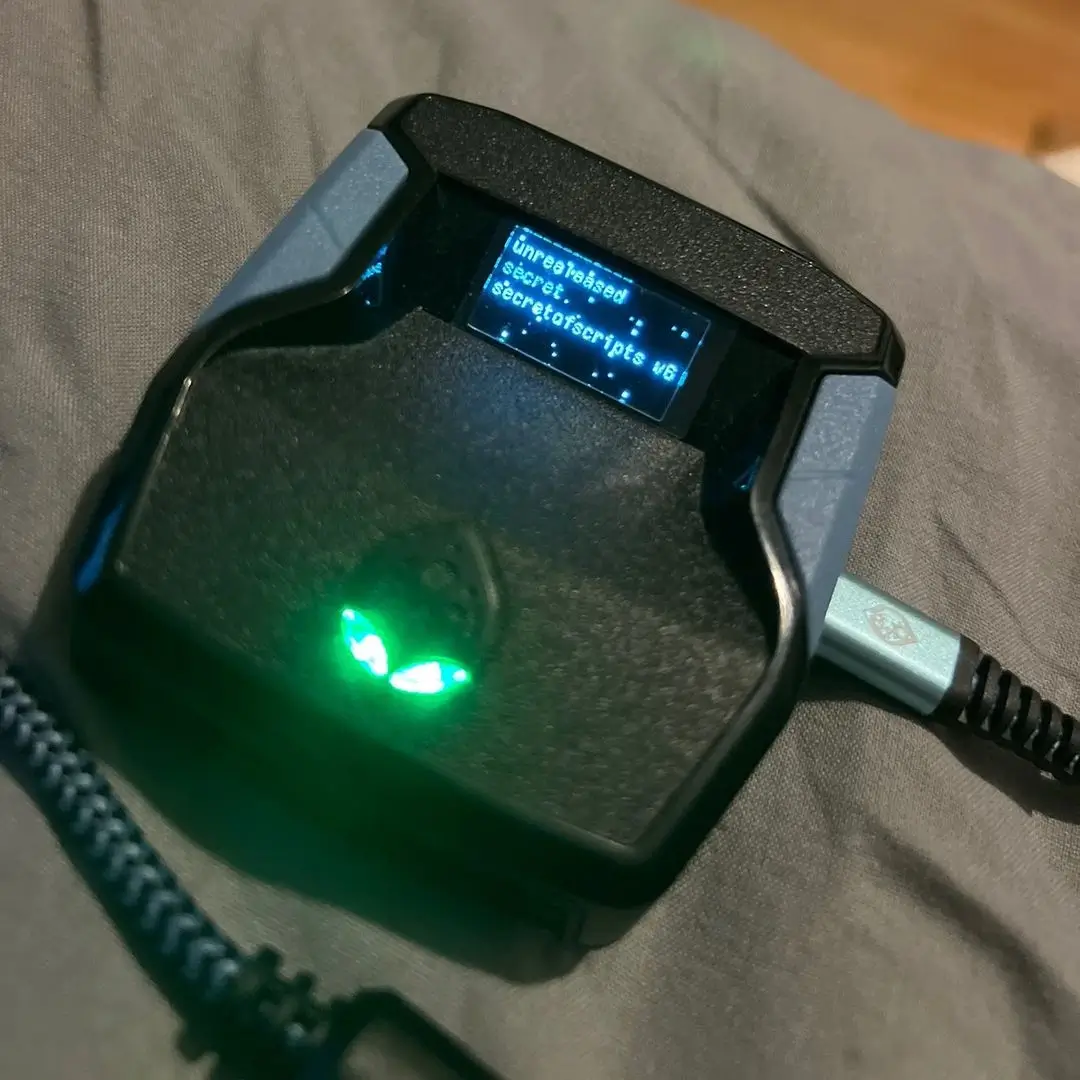
2k26 Lag Switch
Secret of Scripts
upgrade for full access
4.8/5 from 9,000+ Users
200+ Free Scripts • 4 Premium Scripts Weekly • No Credit Card required
free
NBA 2K25
2k25 Greener

Script details
This is a NBA 2k25 Cronus Zen script developed by Kaz.
Features

guides
This script includes an instruction guide
Plug and Play
This Script doesn't require any tweaks to get started
Guides
How to Record Your Green Window Timing:
- Connect your devices:
- Plug your Cronus Zen into your console as normal.
- Plug your Cronus Zen into a laptop or PC with Zen Studio open.
- Set up in-game:
- Enter MyCourt in NBA 2K.
- Record with MaxCombo:
- In Zen Studio, click Tools, then select MaxCombo.
- Click Record.
- After the countdown, take a shot and green it.
- End recording:
- Once you green the shot, stop the recording.
- Note the milliseconds recorded.
- Apply to script:
- Take the milliseconds value and input it into your script using the compiler.