UNLOCK THE FULL ZEN SCRIPT LIBRARY
Access 1,500+ Scripts Today!


2K Plus
Yew


2k24 Auto Green v1.4
Script City

2k26 AI
Avenged

2k26 Auto Green V2
BoostSquad


MLB The Show 26 V2
Insanity Scripts

Arc V1.25
Yew
2K Plus
Yew
2k24 Auto Green v1.4
Script City
2k26 AI
Avenged
2k26 Auto Green V2
BoostSquad
2k26 Lag Switch
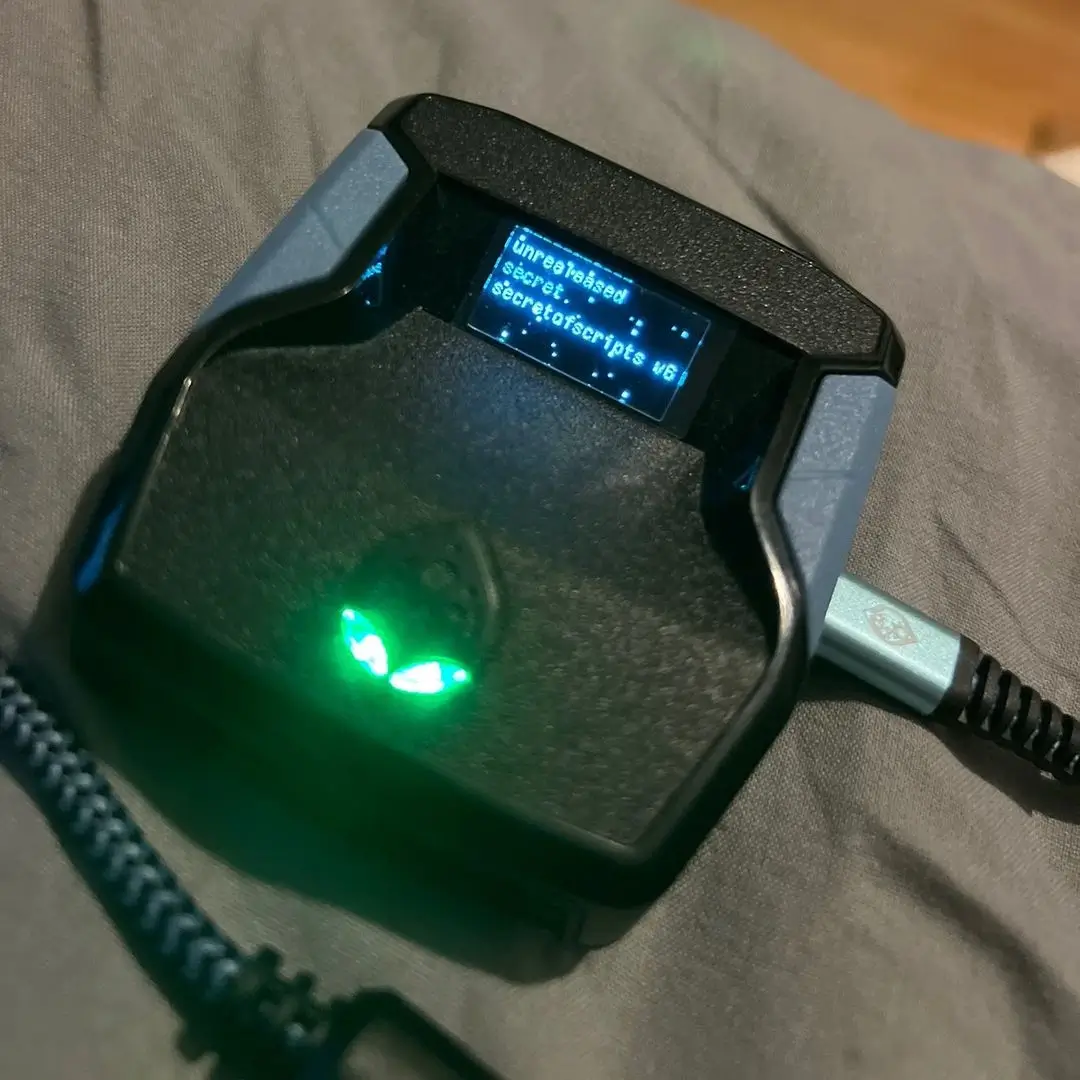
Secret of Scripts

Features

guides
Mod Menu
Guides
30-Second Green Timer Calibration (NBA 2K Zen Script)
STEP 1 — Stable Setup
• Same court / same mode (MyCourt or same Park)
• SHOT CUE = PUSH
• AUTO-GREEN = ON
• Same jumpshot animation
• Full stamina
• No moving shots
Starting Values
• GREEN TIMING = 112
• TEMPO TIMING = 18
STEP 2 — Take 5 Test Shots
• Shoot exactly 5 standstill shots
Result Meaning
• Mostly Slightly Early → Timing too fast
• Mostly Slightly Late → Timing too slow
• Random Early/Late mix → Delay issue
• 3–5 Greens → Nearly perfect
STEP 3 — Micro Adjustment
• If shots are Early → GREEN TIMING +3
• If shots are Late → GREEN TIMING -3
• If strongly Early/Late → Adjust ±5
• Shoot another 5 shots and repeat if needed
TEMPO TIMING (Fine-Tune)
• Random Late shots → TEMPO +2
• Random Early shots → TEMPO -2
• GREEN TIMING = release position
• TEMPO TIMING = server delay compensation
Pro Calibration Method
• 1. 5 shots at 112
• 2. 5 shots at 118
• 3. 5 shots at 106
• Choose the value with the most greens, then fine tune ±2
SETTINGS EXPLANATIONS
1. BUILD SELECT
• Purpose: Manage multiple player build configurations
• Function: Store and load unique settings for 3 different builds
• Use Case: Perfect for switching between Guard, Forward, and Center builds
2. SHOT CUE
• JUMP / SET POINT / PUSH / RELEASE
3. Easy Sqr/X Shot
• ON: Assisted shooting rhythm for automatic timing
4. TEMPO TIMING
• Range: 1–50ms delay adjustment
5. AUTO-GREEN
• ON: Automated perfect release timing
• OFF: Manual timing required
6. GREEN TIMING
• Range: 0–200ms window adjustment
• Precision: Micro-adjustments for connection-specific optimization
7. SQUARE/X REMAP
• Left Stick: Map shooting to L3 click
• Right Stick: Map shooting to R3 click
8. RS AUTO
• ON: Right stick movements trigger automatic shots
• OFF: Standard right stick functionality
9. TURBO MODE
• Hop Jumper
• Turbo Fade
• OFF
10. DEFENSE+
• ON: Enhanced defensive positioning and auto-steal assistance
• OFF: Default defensive controls
11. QUICKSTOP
• OFF: No quick stop assistance
• AUTO QS: Automatic quick stops during movement
• Purpose: Create immediate separation for jump shots
12. DUNK METER
• OFF: Standard dunk timing
• L1: Dunk meter activation with L1 button
• CIRCLE: Dunk meter activation with Circle/B button
• Function: Perfect timing assistance for contact dunks
13. UNLIMITED STAM
• ON: Infinite stamina pool
• OFF: Standard stamina consumption
14. SHOT RUMBLE
• ON: Haptic feedback at optimal release point
• OFF: No vibration feedback
• Training Tool: Physical cue for learning release timing
15. RUMBLE TIMING
• Range: 200–1000ms duration
• Customization: Adjust vibration length to match your preference
16. NO-DIP TOGGLE
• ON: Skip shot dip animation for faster releases
• OFF: Complete shooting animation
• Competitive Edge: Eliminate visual tells for harder-to-block shots
17. NO-DIP TIMING
• Range: 250–450ms timing window
• Precision: Fine-tune the dip elimination for specific jump shots
18. DRIBBLE UP
19. DRIBBLE DOWN
20. DRIBBLE LEFT
21. DRIBBLE RIGHT
• Options: OFF | BTB Spam | Curry | DBook | B Break | Escape | Momentum
• Function: Signature dribble packages mapped to D-pad directions
• Pro Animations: Authentic NBA player signature moves
22. INSTANT TRIGGERS
• ON: 0ms response time on L2/R2 triggers
• OFF: Standard controller trigger curves
• Performance: Immediate defensive slides and shot contests
23. OVERCLOCK
• ON: Enhanced controller polling rate
• OFF: Standard controller performance
• Benefit: Reduced input latency for competitive play
24. LED COLOR
• Options: YELLOW | PURPLE | BLUE | GREEN | WHITE | RAINBOW
• Function: Visual status indicator for mod activation
• Aesthetic: Customizable lighting for personal preference
CONTROLS & NAVIGATION
• MENU ACCESS: Hold L2 + Options/Menu buttons simultaneously
• NAVIGATION: Use D-pad or Left Stick to move through settings
• VALUE ADJUSTMENT: Press X/A to increase, hold for rapid changes
• SETTING SELECTION: X/A to confirm or toggle options
• MENU EXIT: Circle/B button (saves all changes automatically)