11th april | new scripts available - 1580+ scripts now available
UNLOCK THE FULL ZEN SCRIPT LIBRARY
Access 1,500+ Scripts Today!
NBA 2k26
2K Plus
ultimate


2K Plus
Yew
NBA 2K24
2k24 Auto Green v1.4
ultimate


2k24 Auto Green v1.4
Script City
NBA 2k26
2k26 AI
ultimate

2k26 AI
Avenged
NBA 2k26
2k26 Auto Green V2
ultimate

2k26 Auto Green V2
BoostSquad
MLB The Show 26
MLB The Show 26 V2
ultimate

MLB The Show 26 V2
Insanity Scripts
Fortnite
Arc V1.25
ultimate

Arc V1.25
Yew
NBA 2k26
2K Plus
ultimate
2K Plus
Yew
NBA 2K24
2k24 Auto Green v1.4
ultimate
2k24 Auto Green v1.4
Script City
NBA 2k26
2k26 AI
ultimate
2k26 AI
Avenged
NBA 2k26
2k26 Auto Green V2
ultimate
2k26 Auto Green V2
BoostSquad
NBA 2k26
2k26 Lag Switch
ultimate
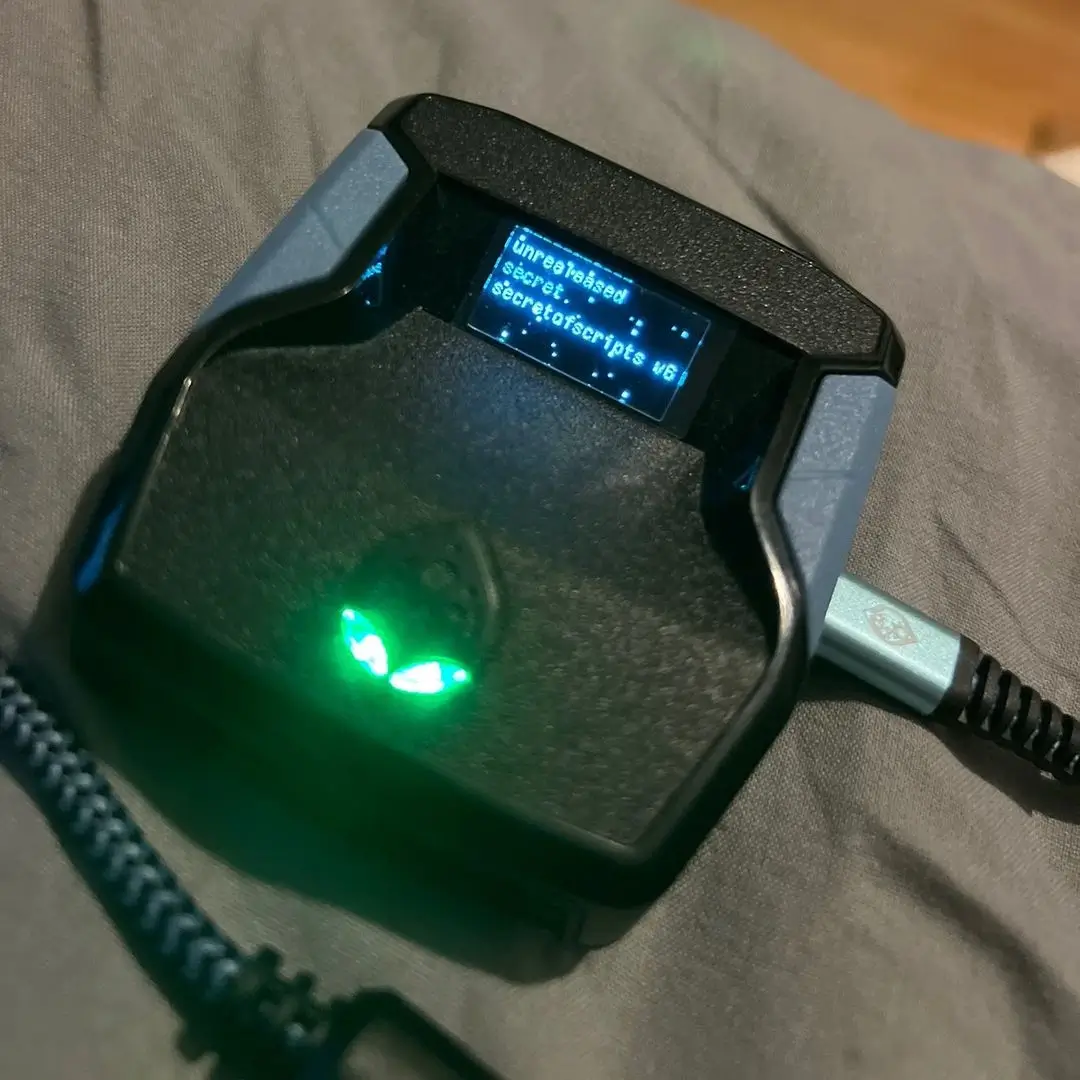
2k26 Lag Switch
Secret of Scripts
upgrade for full access
4.8/5 from 9,000+ Users
200+ Free Scripts • 4 Premium Scripts Weekly • No Credit Card required
Features

guides
This script includes an instruction guide
Mod Menu
This Script comes with a customizable Mod Menu
Guides
Player Profiles
- You have 3 different player profiles
- Profile 1 (Blue Color LED)
- Profile 2 (Pink Color LED)
- Profile 3 (Aqua Color LED)
- Each of the 3 profiles also has a temporary value which is adjustable.
- This Temp Val will be added to or subtracted from the pre-stored value to allow you to make fine adjustments to your shots.
- As Temp Val is profile-dependent, if you change the player on a profile, remember to reset the Temp Val.
- You can reset these temporary values from the ModPlayer by holding down CROSS/A 500ms (NOTE: you can only reset the temp values of the active profile).
- You can write down your adjusted values on a piece of paper.
- You will then be able to modify the value in the corresponding arrays.
- This way, while In Game, when you change Team or player, shot time will already be perfectly adjusted for you.
- Note: Player Names can be up to 11 characters long.
Profile Features
- Each profile has:
- Stick Control with its own Toggle, and adjustable values
- Swinging with its own Toggle and adjustable values
- Fielding with its own Toggle and adjustable values
- Batting with its own Toggle and adjustable values
- Pitching with its own Toggle and adjustable values
- All profiles have:
- Stick Control
- Swinging
- Batting
- Pitching
- Fielding
Profile Features with Adjustable Values
- Batting
- When you set the stick then press X/Square and it will bat the time you set for batting hold and release time.
- Its best to time the hit for after you set the stick.
- Once stick is set then press X/Square for it to run the timed shot.
- Time the shot after the stick is set to a position.
- Swinging
- When you press X/Square it will perform the timed swing.
- It is best to time the pitcher to get best time for swing.
- If you’re having difficulty reading pitches, changing the hitting view can help:
- Strike Zone or Strike Zone 2 are most popular for competitive play.
- Strike Zone 3 offers a balance between visibility and presentation.
- Swing Types
- Normal Swing: X Button
- Most common type of swing
- Balanced contact and power
- Good plate coverage
- Power Swing: Square Button
- Use when ahead in the count
- Harder to time
- Reduced plate coverage
- Best used at 3-0 or 2-0 counts
- Fielding
- Hold Left Trigger and press a face button to throw:
- B/Circle → 1st (adjustable time)
- Y/Triangle → 2nd (adjustable time)
- Cross/X → 3rd (adjustable time)
- B/L1 → 4th (adjustable time)
- Pitching (if enabled)
- Right stick up → uses pitching hold/release timing
- Shot button → uses pitching1 hold/release1
- Right stick down → uses pitching2 hold/release2
- Warning
- Recommend using only one mod active at one time.
- Use quick toggles to turn mods on/off once enabled in menu.
Global Features
- Button Layout
- Match controls from the game to the script
- Stick Layout
- Match stick controls from the game to the script
- Rumbles
- Blocks all controller vibration
- In-game rumble must be ON
- VM Control
- Adjusts speed of the virtual machine (Cronus Zen)
- Improves input lag, delay, and timing
- VM Speed Options:
- Default (10ms) = 0
- Xbox One (8ms) = 1
- PS4 (6ms) = 2
- PS5 (4ms) = 3
- Xbox Series (2ms) = 4
- PC (1ms) = 5
Toggle Information
- KillSwitch
- Disables the script if mods run unintentionally
- Resync Button
- Hold L3/LS + tap TRIANGLE/Y
- Speed Toggle
- Quickly toggle mods without entering menu
- Speed Player Swap
- Switch team/player on the fly
Instructions
- Open Mod Menu
- L2/LT + OPTIONS/MENU
- Select Profile
- Tap TRIANGLE/Y
- Navigate Mods
- LEFT/RIGHT (D-Pad)
- UP/DOWN to toggle ON/OFF
- Edit Values
- Tap CROSS/A to enter ModEdit
- Go to ModPlayer
- Tap SQUARE/X
- Save Settings
- Double press B/CIRCLE
ModEdit Usage
- Navigate values: LEFT/RIGHT
- Adjust values:
- Hold CROSS/A
- UP/RIGHT → increase
- DOWN/LEFT → decrease
- Exit ModEdit:
- Tap CIRCLE/B
- Close menus:
- Hold L2/LT + PS/XBOX
- or double tap B/CIRCLE
ModPlayer Usage
- Select Profile:
- Tap TRIANGLE/Y
- Switch Teams:
- UP/DOWN
- Switch Players:
- LEFT/RIGHT
- Reset Temp Values:
- Hold CROSS/A 500ms
- Exit:
- Tap CIRCLE/B
- Close all menus:
- Double tap B/CIRCLE
Speed Toggles (Outside Menu)
- Hold aiming button + hold direction (300ms):
- UP → Pitching
- DOWN → Stick Control
- LEFT → Batting
- RIGHT → Swing
Speed Swap (Outside Menu)
- Hold R3/RS + tap direction:
- UP/DOWN → change Team
- LEFT/RIGHT → change Player
Profile Switching
- In Game:
- Tap D-Pad DOWN
- In Menus:
- Tap D-Pad DOWN to cycle profiles
Resync Profiles
- Hold L3/LS + tap TRIANGLE/Y
Direct Profile Selection
- Player 1 (Blue LED):
- Hold D-Pad LEFT + tap X/SQUARE
- Player 2 (Pink LED):
- Hold D-Pad LEFT + tap Y/TRIANGLE
- Player 3 (Aqua LED):
- Hold D-Pad LEFT + tap B/CIRCLE
Kill Switch
- Toggle ON/OFF:
- Hold Left Trigger + tap PS/XBOX
- Turn OFF only (enable everything):
- Double tap CIRCLE/B
- Hold CIRCLE/B > 600ms
- Hold SQUARE/X > 1000ms (menu only)