11th april | new scripts available - 1580+ scripts now available
UNLOCK THE FULL ZEN SCRIPT LIBRARY
Access 1,500+ Scripts Today!
NBA 2k26
2K Plus
ultimate


2K Plus
Yew
NBA 2K24
2k24 Auto Green v1.4
ultimate


2k24 Auto Green v1.4
Script City
NBA 2k26
2k26 AI
ultimate

2k26 AI
Avenged
NBA 2k26
2k26 Auto Green V2
ultimate

2k26 Auto Green V2
BoostSquad
MLB The Show 26
MLB The Show 26 V2
ultimate
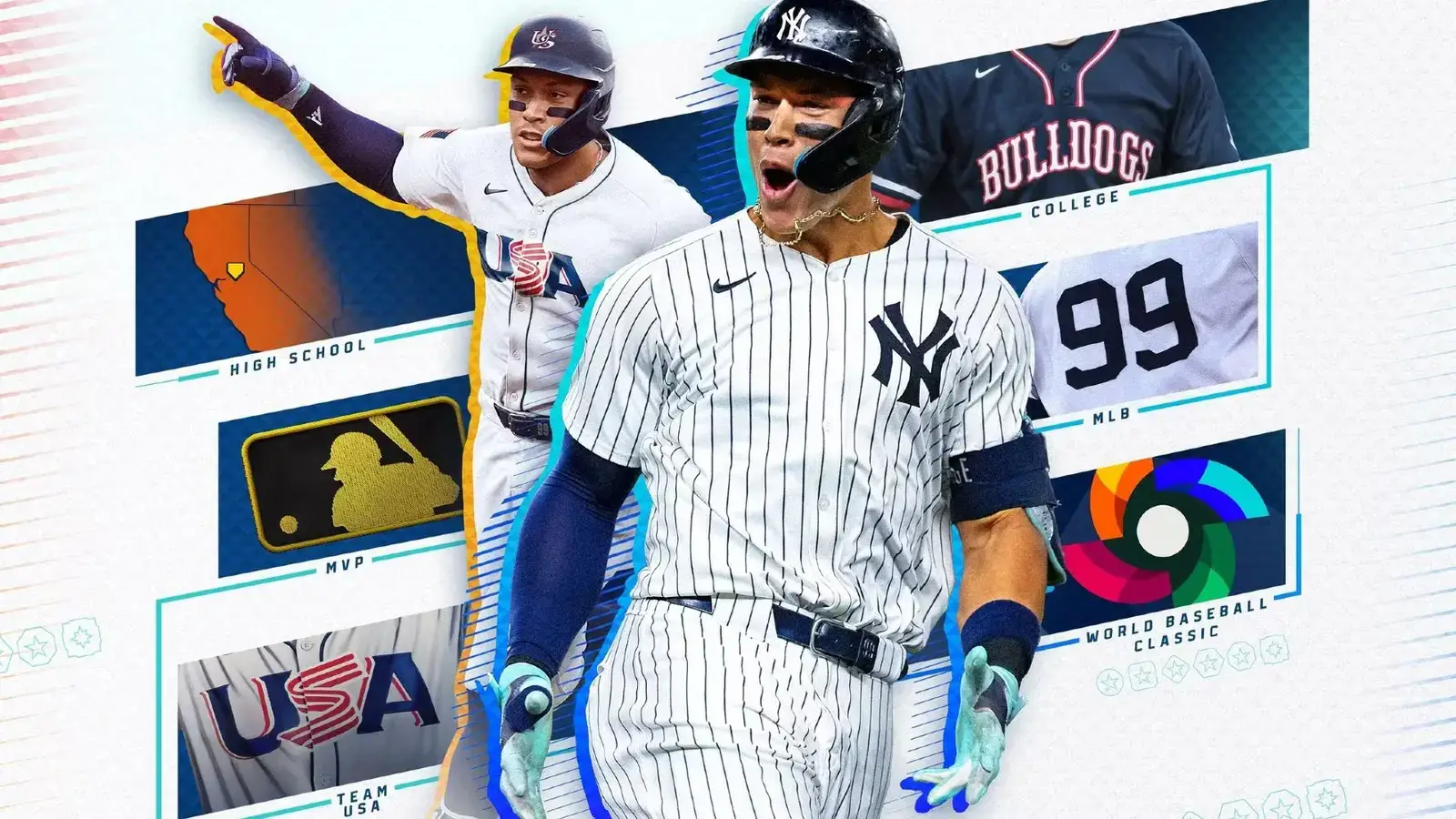

MLB The Show 26 V2
Insanity Scripts
Fortnite
Arc V1.25
ultimate

Arc V1.25
Yew
NBA 2k26
2K Plus
ultimate
2K Plus
Yew
NBA 2K24
2k24 Auto Green v1.4
ultimate
2k24 Auto Green v1.4
Script City
NBA 2k26
2k26 AI
ultimate
2k26 AI
Avenged
NBA 2k26
2k26 Auto Green V2
ultimate
2k26 Auto Green V2
BoostSquad
NBA 2k26
2k26 Lag Switch
ultimate
2k26 Lag Switch
Secret of Scripts
upgrade for full access
4.8/5 from 9,000+ Users
200+ Free Scripts • 4 Premium Scripts Weekly • No Credit Card required
Features

guides
This script includes an instruction guide
Mod Menu
This Script comes with a customizable Mod Menu
Guides
- Installation
- Download Zen Studio from the Cronus website
- Open Zen Studio → File → Open → select Insanity_MLB26.gpc
- Press F7 to compile — check for “Compilation completed” at the bottom
- Plug your Zen via USB PROG → press F5 to flash onto a slot
- Unplug, connect your controller + console, select the slot
- Opening / Closing the Menu
- Open the menu → L2 + OPTIONS/MENU
- Close the menu → L2 + OPTIONS/MENU
- Save and exit → Double-tap CIRCLE/B
- Kill switch (disable all) → L2 + PS/XBOX
- Re-enable after kill → Double-tap CIRCLE/B or hold CIRCLE 500ms
- Menu Navigation
- Main Menu
- LEFT / RIGHT → Cycle through mods
- UP / DOWN → Toggle mod ON/OFF
- CROSS/A → Enter Edit mode (mod must be ON)
- SQUARE/X → Enter Roster mode
- TRIANGLE/Y → Switch profile (1, 2, 3)
- Edit Mode
- LEFT / RIGHT → Navigate between values
- Hold CROSS/A + LEFT/RIGHT → Adjust ±1
- Hold CROSS/A + UP/DOWN → Adjust ±10
- CIRCLE/B → Back to menu
- Roster Mode
- UP / DOWN → Change team (30 MLB teams + Custom)
- LEFT / RIGHT → Change player (5 per team)
- TRIANGLE/Y → Switch profile
- CIRCLE/B → Back to menu
- The 10 Mods
- 1 — Stick Control → Automated stick timing for batting
- 2 — Swinging → Automated swing timing (hold + release)
- 3 — Bunting → Automated bunt timing
- 4 — Pitching → Automated pitch timing (up, left, right)
- 5 — VM Speed → Zen processor speed (0-5, higher = faster)
- 6 — Fielding → Auto throws — full LT = strong throw, light LT = soft throw
- 7 — Swap Trig → Swaps triggers and bumpers
- 8 — Rumbles → Enables/disables vibration
- 9 — Btn Layout → Button mapping preset
- 10 — Stk Layout → Stick mapping preset
- Fielding — Throw Targets
- When Fielding is ON, hold LT and press:
- CIRCLE/B → 1st Base
- TRIANGLE/Y → 2nd Base
- SQUARE/X → 3rd Base
- CROSS/A → Home Plate
- L1/LB → Cutoff Man
- Full LT = strong throw
- Light LT = soft throw
- Each strength has its own timings adjustable in Edit mode
- Editable Values (Edit Mode)
- Stick Control → SC Hold, SC Release
- Swinging → Swing Hold, Swing Release
- Bunting → Bunt Hold, Bunt Release
- Pitching → Pitch Hold, Pitch Release
- VM Speed → Speed (0-5)
- Fielding → Throw1A→ThrowHA (strong), Throw1B→ThrowHB (soft)
- All values are in milliseconds
- If a player is selected in Roster mode, their preset is added to your manual value
- Quick Controls During Gameplay (menu closed)
- Switch Profile 1 ↔ 2 → Tap swap button
- Switch to Profile 3 → Hold swap 500ms
- Profile 1 direct → DOWN + X or Keyboard 1
- Profile 2 direct → DOWN + Y or Keyboard 2
- Profile 3 direct → DOWN + B or Keyboard 3
- Quick team/player swap → Hold R3 + D-pad
- 3 Profiles
- Each profile has its own settings: timings, team/player, and ON/OFF toggles
- Profile 3 is locked to the Custom team
- Finding the Right Timing
- Go into Practice Mode in the game
- Select a player in Roster mode to get a baseline
- Enter Edit and adjust in ±10ms steps
- For online play, add ~10–30ms compared to offline (latency)
- Typical ranges:
- Swing/Bunt Hold → 340–400ms
- Release → 100–200ms
- Pitch Hold → 350–400ms
- Fielding starts at 100ms
- Troubleshooting
- LED color 7 = Kill switch is active → double-tap CIRCLE
- Black screen = Screensaver → press any button
- Mod not working = Check it’s ON in the menu + correct profile
- Timing feels off = Adjust in Edit or switch players